JPG Compressor
This free tool compresses JPG images with good quality.
Drop your JPG images here – upload up to 20 files at once.

How to compress JPG?

Set Compression Settings
Enter the desired file size or adjust the image quality to your preference.
Upload Your Image
Wait for Compression
Download Your Image(s)

What is JPG Compression?
JPG compression is a complex digital image processing method, that completely changed how we store and distribute visual content. Fundamentally, the goal of this compression technique is to minimize image file sizes while making an effort to preserve a respectable level of visual quality. The secret to JPG compression is its ability to deliberately remove less important image information that is harder for the human eye to pick up on.
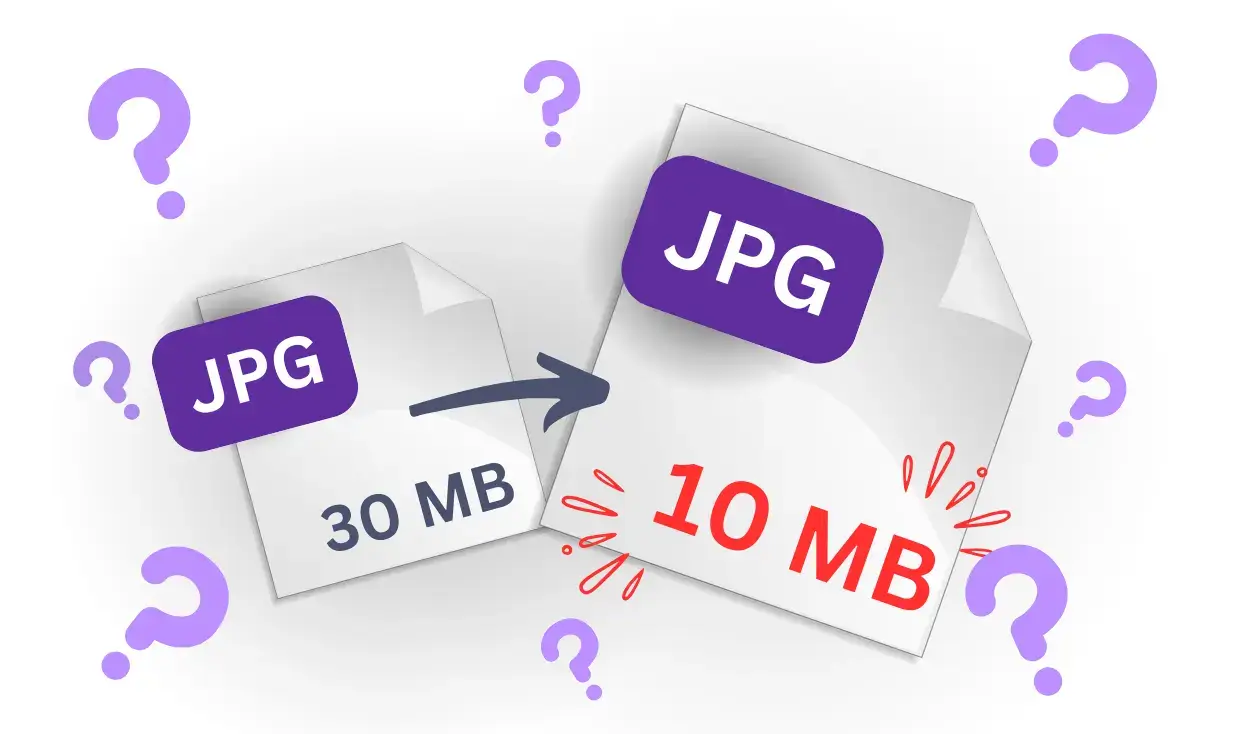
A sophisticated procedure that deconstructs an image into its basic frequency components, is applied when a JPG image is compressed. This implies that the compressed image's file size can be drastically decreased, frequently by 70% or more, even though it may still look almost exactly like the original.

How Compression Works?
A multi-step procedure called JPG compression minimizes file size while maintaining the peak level of image quality. The image is first transformed into a color space that distinguishes between color details (chrominance) and brightness (luminance), since the human eye is more subtle to brightness. A mathematical transformation known as the Discrete Cosine Transform (DCT) is then used to display the data as frequencies once the image has been split up into 8x8 pixel blocks. It selectively discards higher frequencies that are less perceptible. Compression algorithms like Huffman coding are then used to encode the remaining data in order to effectively reduce the file size.
Why Compression is Needed?
For effective management of digital photos, especially in a time where online communication and storage are the norm, JPG compression is crucial. Large file sizes associated with high-resolution photos can make them difficult to upload, download, or save. By eliminating less visible image data, JPG compression reduces file size while preserving human-eye pictorial quality and hoards a large amount of storage. This procedure guarantees improved application performance, quicker page loads, and lower storage and bandwidth costs. JPG compression facilitates the smooth exchange of aesthetically pleasing content across several platforms by striking a balance between effectiveness and quality, allowing for broad accessibility and usability.
Discover More Image Formats to Convert
Frequently Asked Questions
Does compression affect image quality?
Compression can reduce image quality slightly, depending on the settings. Lower settings create smaller files but lose some detail. For most uses, the difference is hard to notice. You can adjust the quality to suit your needs.
Can I compress multiple JPGs at once?
Yes, our JPG compressor allows batch compression. You can upload several images and compress them all at once. This saves time and effort when working with many files. It’s a quick and convenient feature.
How much can a JPG file be compressed?
A JPG file’s size can be cut by 50–80%, depending on its original size and quality settings. Adjust compression to balance size and clarity. Results vary for each image.
What’s the difference between compression and resizing?
Compression reduces file size without changing the image’s dimensions. Resizing changes the width and height of the image. Compression keeps the image the same size visually but reduces its data size. Resizing makes the image physically smaller.
What’s the best quality setting for JPG compression?
A quality setting of 70–80% is usually ideal. It reduces the file size significantly while maintaining good visual quality. For websites, lower settings may work. Experiment to find the best balance for your needs.