Ultimate JPG Conversion and Compression Tool
Convert and compress your images for free with our website.
Drag and drop your images here, you can upload a maximum of 20 files.
How to Use JPG Hero Converter?

Upload Your Files
Drag and drop your images or click to upload them.
Set Preferences
Format conversion
Download Results
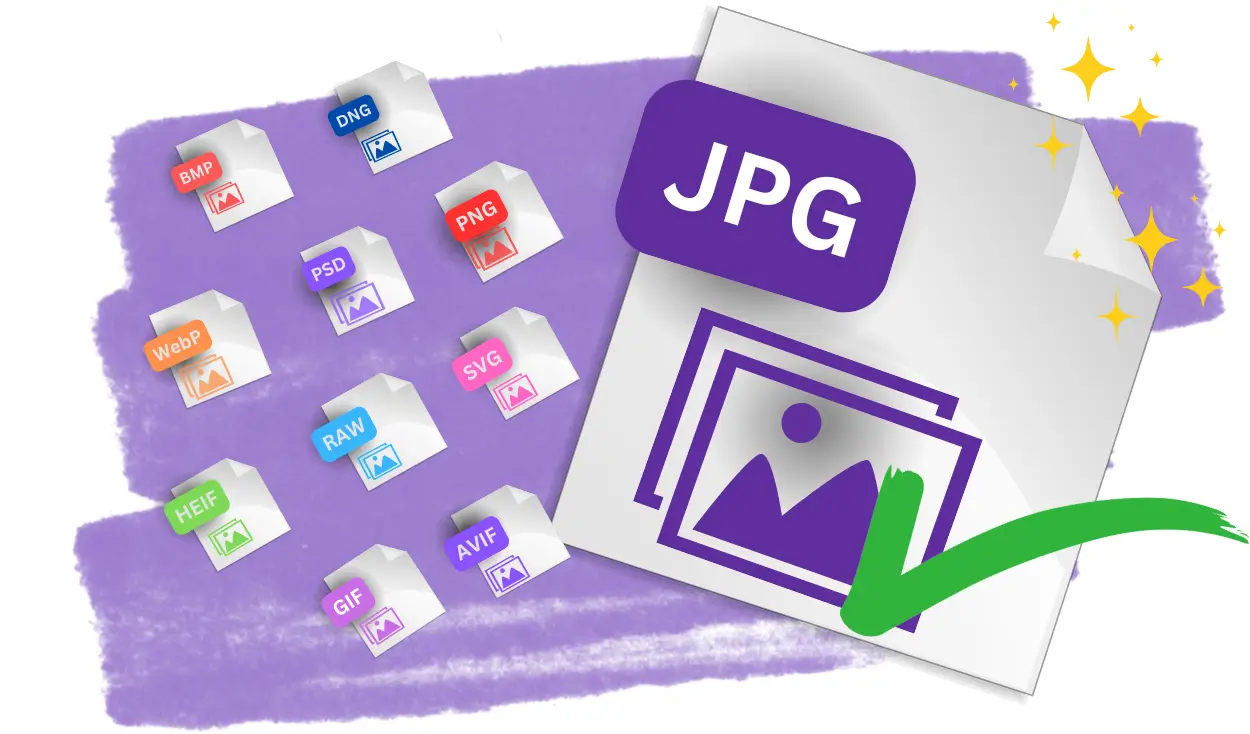
Convert to JPG
Converting files into JPGs means you can open them easily on more devices and softwares. JPGs have small file sizes and so can easily be shared to others in emails or messenger apps. This also makes them excellent for storing images without worrying about space. Using the JPG converter will keep the high quality of the image whilst reducing the size. This is because JPGs use a 24-bit colour depth, meaning images will stay bright and clear.

Convert from JPG
Alternatively, the JPG converter can be used to change JPGs to other file types. For example, JPGs do not support transparency so those wishing to use images as logos will need to convert to a PNG. Another reason for changing from JPG is to continue editing the image in other editors. Converting to other formats, such as PSD, allows users to edit with many layers. JPGs also do not support animation, so it may be better to convert to a GIF format for creating small animations.
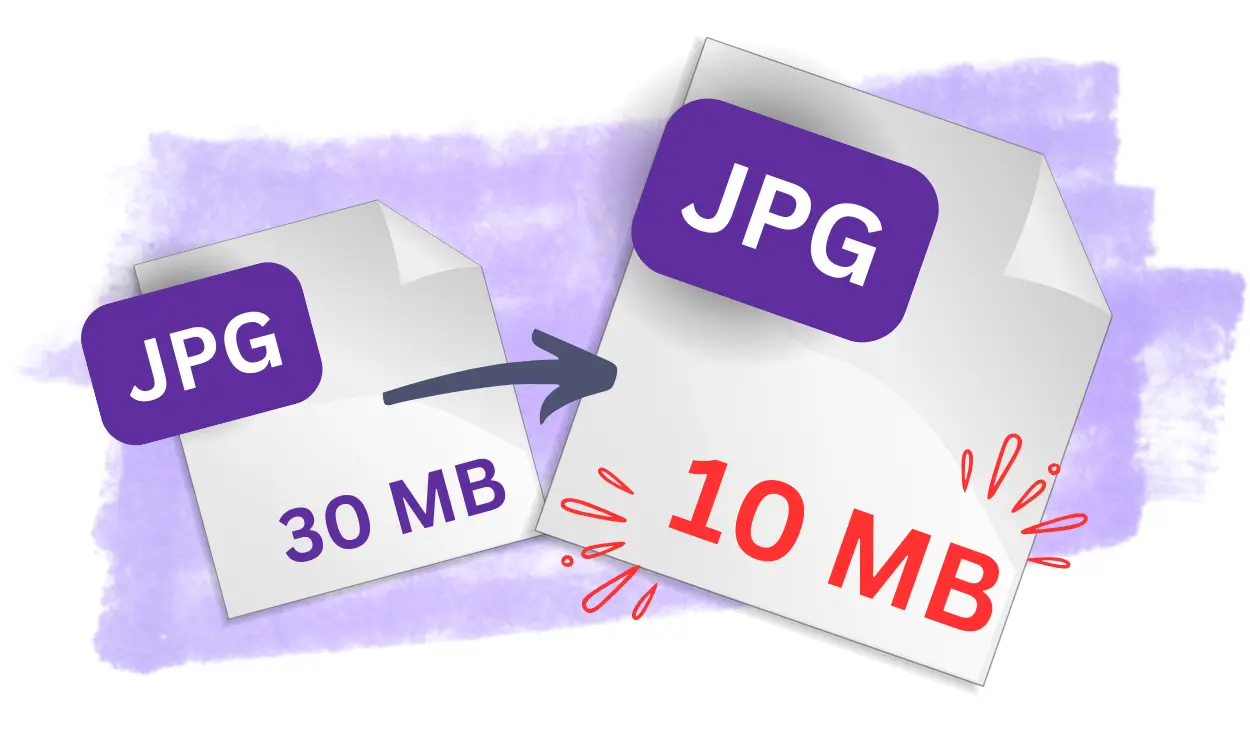
Compress JPG Files
When images are saved as a JPG, compress settings are applied to reduce the file size. Using the compressor to compress JPGs further is a great way to free up storage on your devices or cloud. Compressing the JPG will ensure photos are still of excellent quality. This is very useful for uploading images to websites as they are less likely to slow the loading speed. Compressing files this way is ideal for professionals that need to save many images such as photographers and graphic designers.
Discover More Image Formats to Convert
Explore a variety of tools to convert your images into different formats quickly and easily.
Frequently Asked Questions
Why does the quality degrade when converting JPG to another format?
The quality may degrade because JPG uses lossy compression, meaning some image data is already removed to reduce the file size. When converting to another format, especially one with different compression algorithms (e.g., PNG or TIFF), the original loss of data may become more apparent. Additionally, further compression or incompatible color profiles during conversion can exacerbate the loss of quality.
How can you change the size of a JPG file during conversion?
You can change the size of a JPG file by adjusting the image resolution (dimensions in pixels), reducing the quality settings during conversion, or optimizing the file by removing unnecessary metadata. Many image editing tools and online converters allow you to specify these settings to balance file size and quality effectively.
Can a JPG be converted to a format with a transparent background?
No, JPG does not support transparency. To create an image with a transparent background, you must first remove the background using an image editing tool, save the result in a format like PNG that supports transparency, and then convert the file as needed.
Can you convert JPG to a vector format like SVG or AI?
Yes, JPG can be converted to vector formats like SVG or AI, but the process is not straightforward. Vector formats rely on mathematical paths rather than pixels, so you'll need software like Adobe Illustrator or online tools with "vectorization" features to trace the image and convert it into vector elements. Keep in mind that complex or detailed JPG images may not convert accurately without significant manual adjustment.
What is the difference between lossy and lossless compression in JPG?
Lossy compression reduces the file size by permanently removing some of the image data, especially details that are less noticeable to the human eye. This process results in smaller file sizes but a slight reduction in image quality. Lossless compression, on the other hand, retains all the original image data while compressing the file. However, JPG primarily uses lossy compression, as it is designed to balance quality and file size.
How does compression affect JPG image quality?
Compression affects JPG quality by reducing the amount of detail in the image. Higher compression levels result in smaller file sizes but can introduce visible artifacts, such as blurriness, blocky patterns, or color distortions. Moderate compression typically balances quality and file size, making it suitable for most web or digital use cases.
Can you reduce the size of a JPG without significant quality loss?
Yes, you can reduce the size of a JPG without significant quality loss by using moderate compression settings (e.g., 70–90% quality). Additionally, resizing the image dimensions (reducing resolution) or optimizing metadata can further reduce the file size without drastically impacting visual quality.